Watch runs
The fork's web app has a Factory page, reached from the sidebar. It shows the factory of the first connected environment that reports one running, the primary environment first, so in the desktop app it shows the LaunchAgent server once you have paired it. Reading needs a normal paired session. Pausing claims, stopping a run and dismissing an item need the orchestration:operate scope, which a normal pairing carries.
The pages work in a phone's browser too, paired over your tailnet as described in remote access. The T3 mobile app is upstream's build and has no Factory screen.
The Factory page
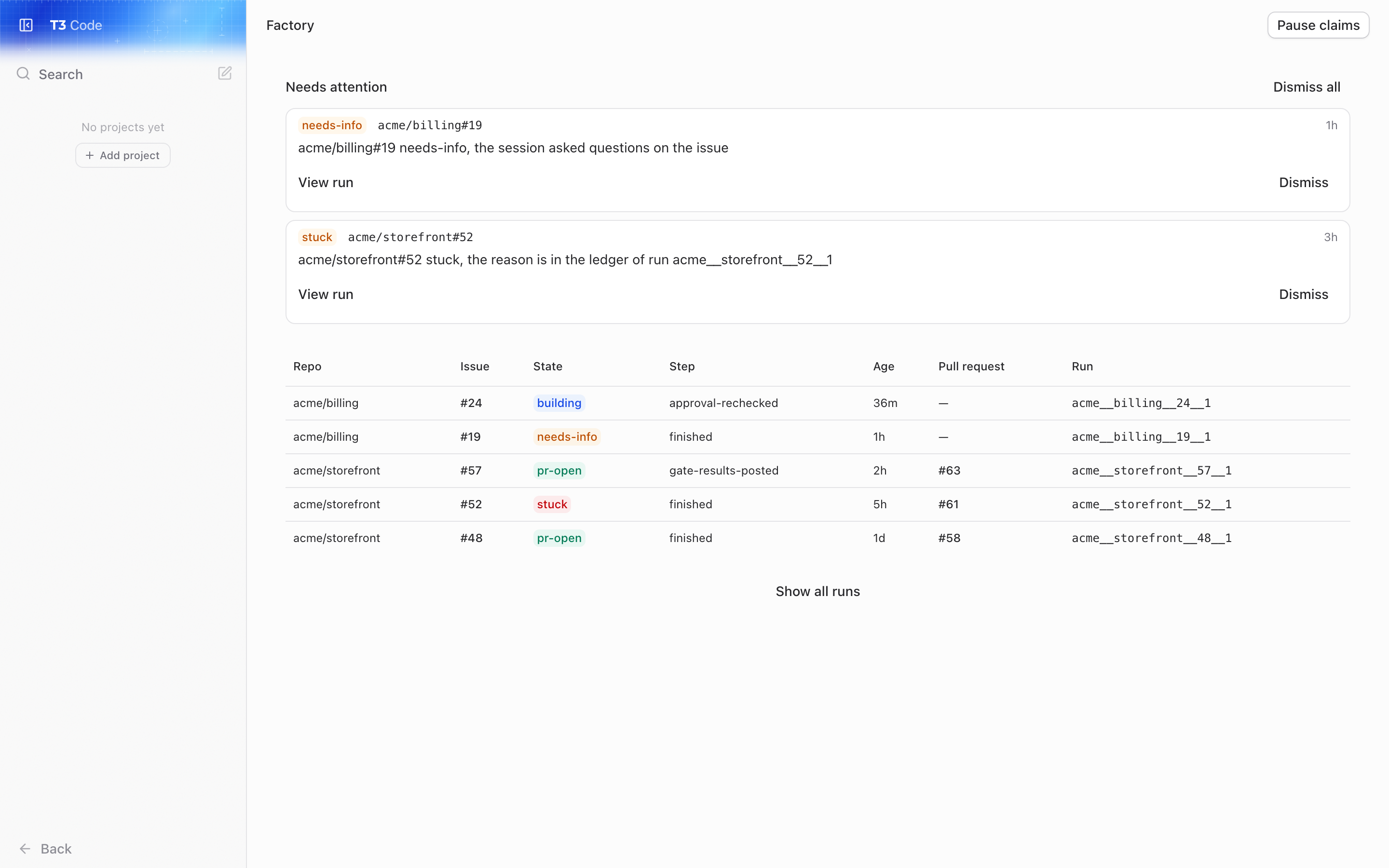
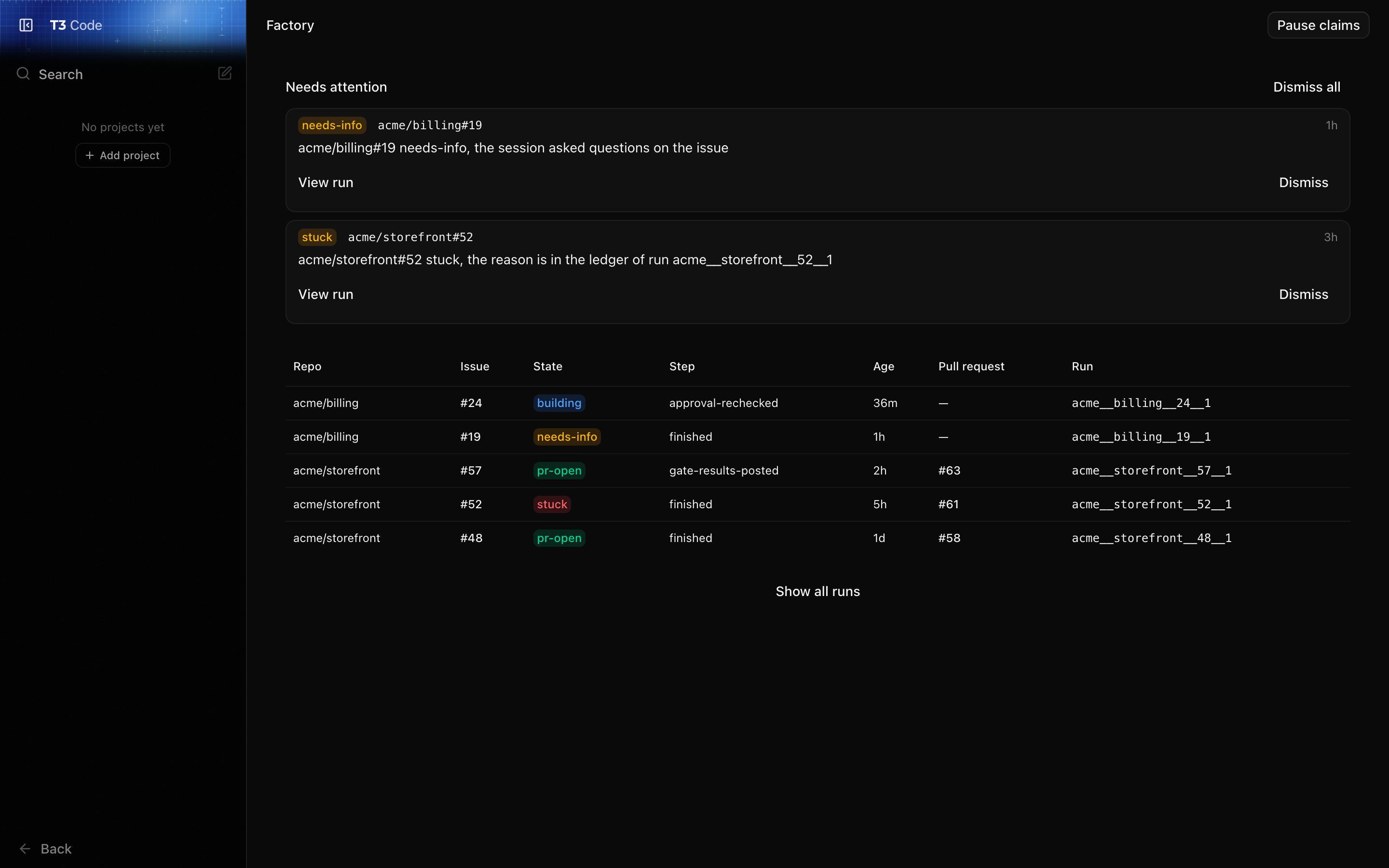
Use it to see what the factory is doing now. It lists every unfinished run and the runs that finished in the last week, newest first, with each run's repo, issue, state, current step, age and pull request. Show all runs to read the full history. It refreshes every 30 seconds.
It also says when the factory is idle and why (no machine config, or one that failed to load), and lets you pause claims. While claims are paused the factory takes no new factory:ready issues in any repo. Runs already under way carry on: sessions, gates and feedback all continue. Resume to start claiming again.
A run's page
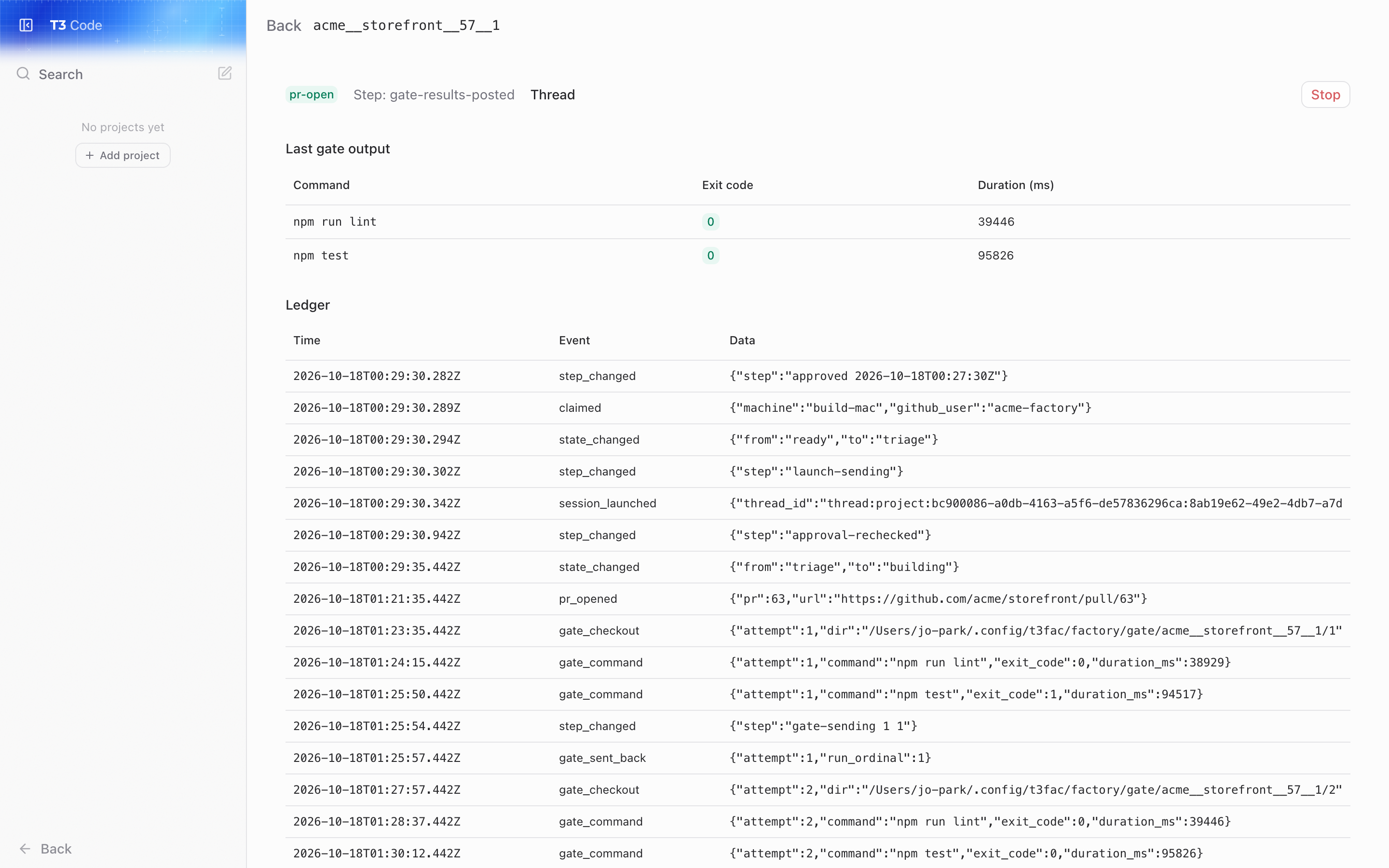
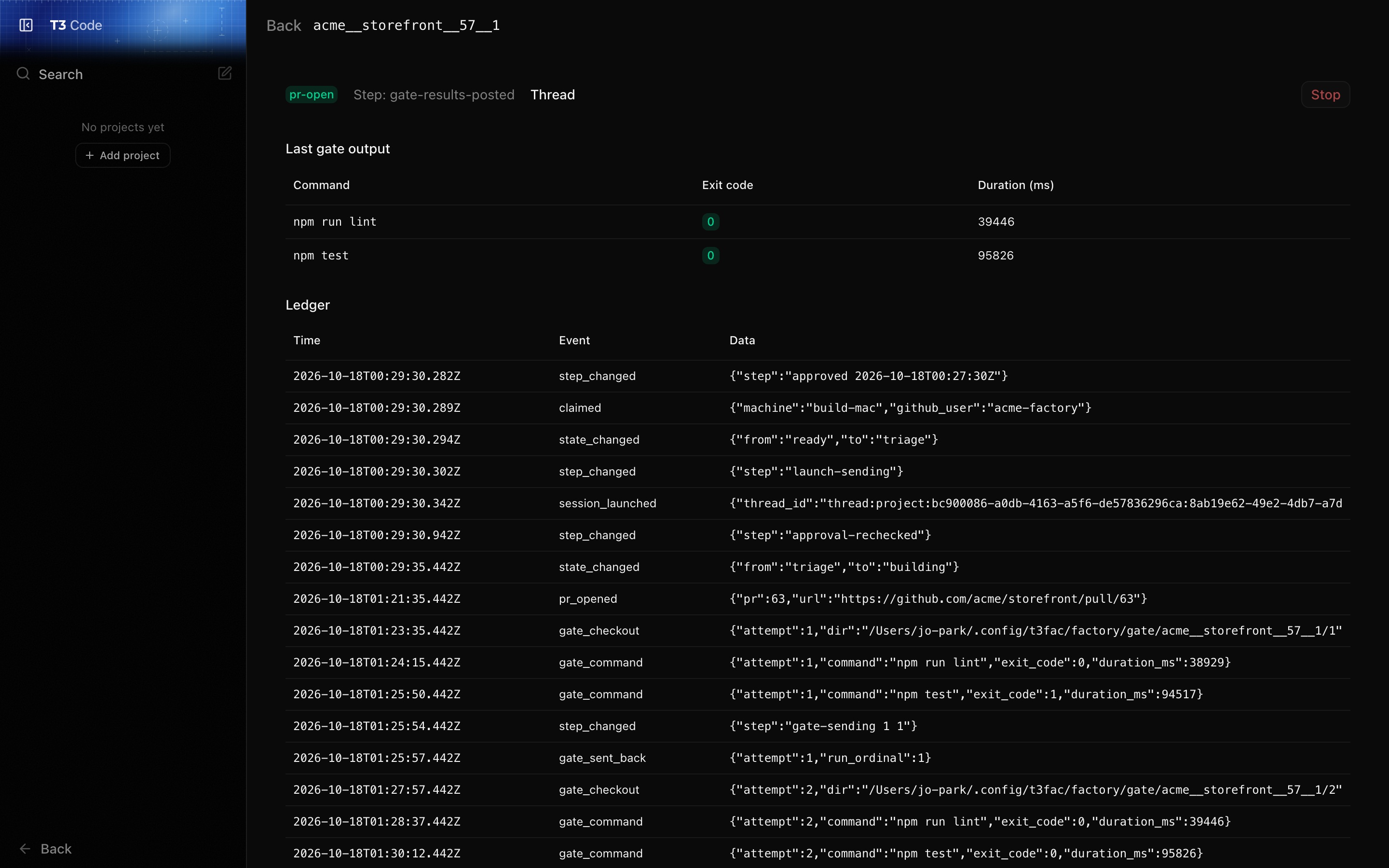
Open a run from the list to see why it is where it is. The page shows the run's state and step, links to its T3 thread so you can read the session, and shows the last gate: each command with its exit code and duration, and the failure output the factory sent back to the session. Below that is the run's ledger, every event the factory recorded for it, in order.
A run in factory:building can be stopped from here. See Stopping a run by hand.
Needs attention
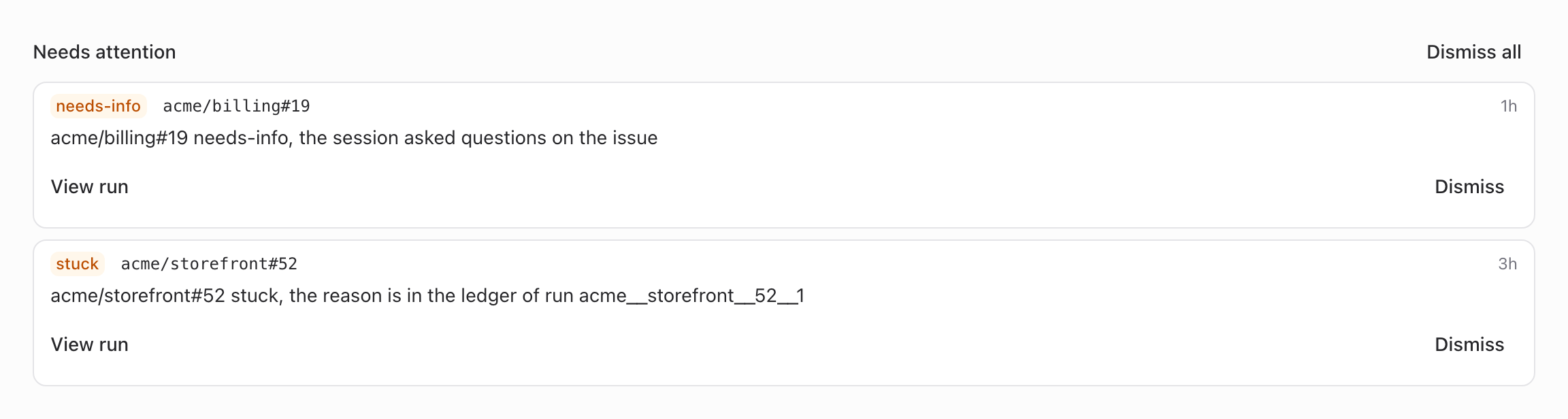
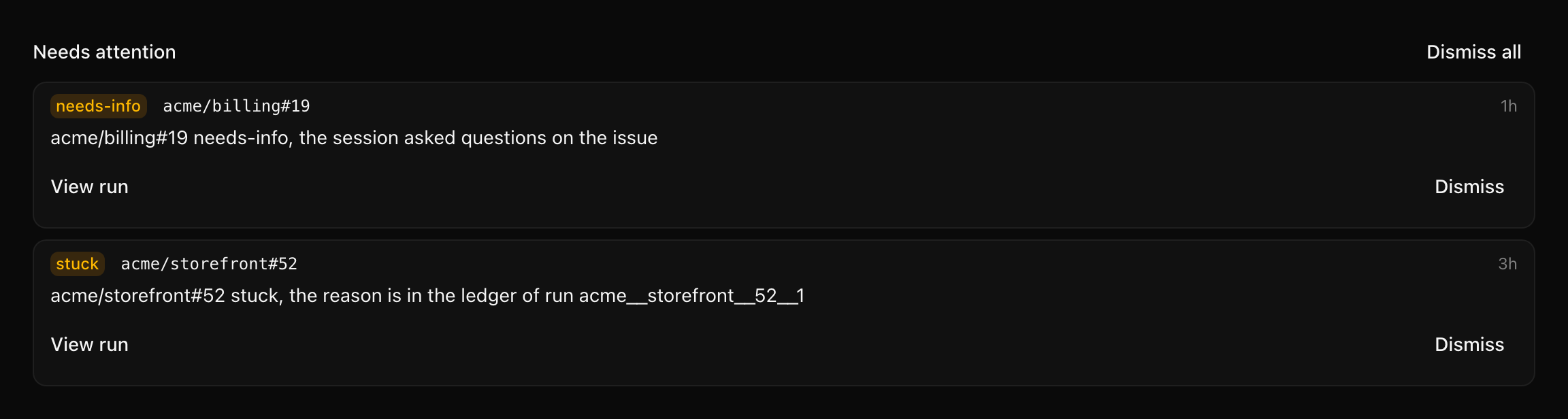
The top of the Factory page lists what needs a person, and the sidebar's Factory item shows how many. An item is raised when:
- a run went to
factory:stuckorfactory:needs-info, - a run is holding a slot but nothing will move it, for example its label was changed by hand,
- the machine config failed to load,
- three passes in a row failed.
Each item links to its run, or to Settings → Factory for a config problem. Each new item also posts a macOS notification, as does a run abandoned because its issue was closed, on the server's Mac, unless notify is false in the machine config.
An item clears itself when its cause goes away: the config loads, a pass succeeds, the issue is claimed again. Dismiss an item to hide it once you've dealt with it. A dismissed item stays hidden until its cause clears and comes back.
Settings → Factory
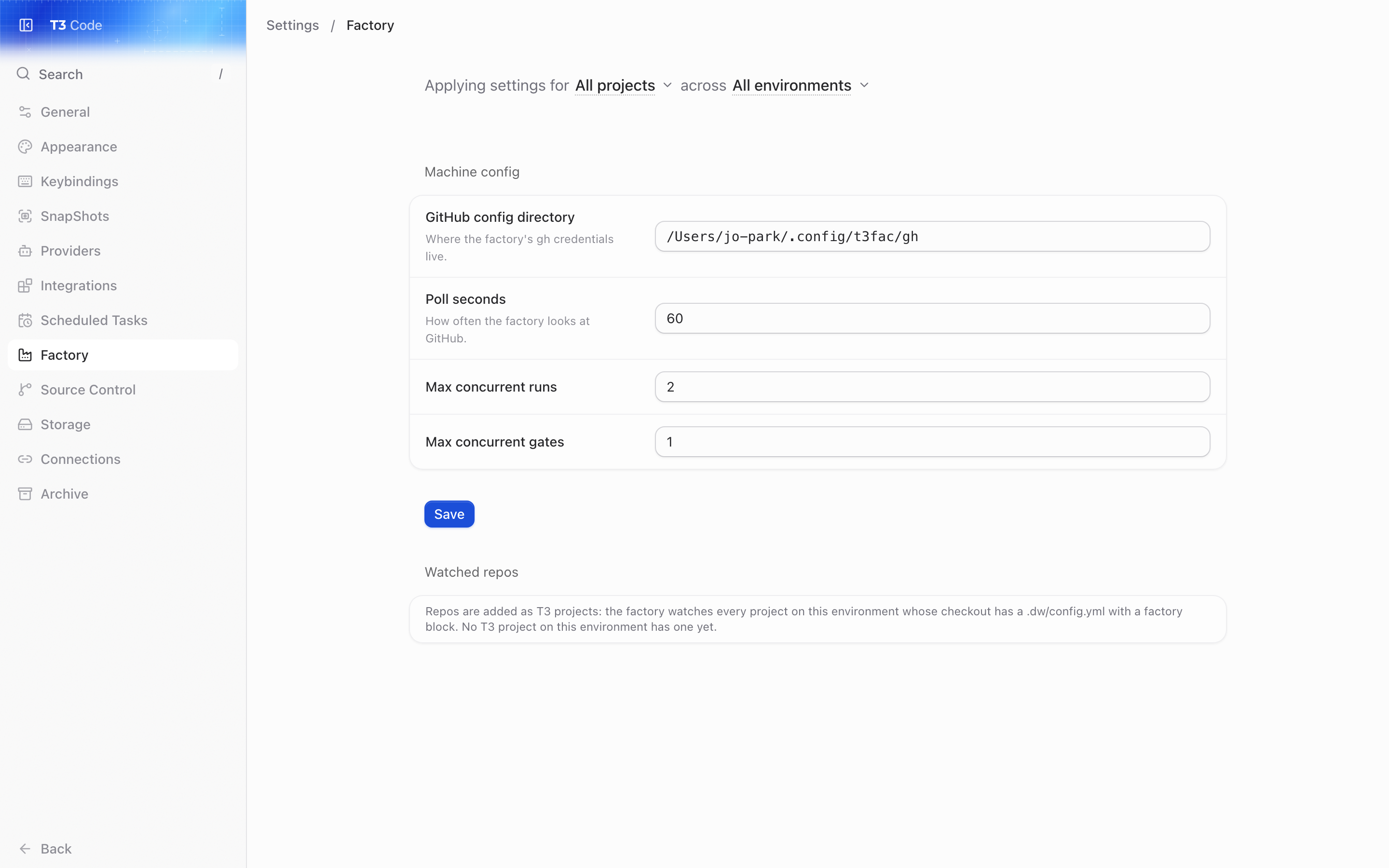
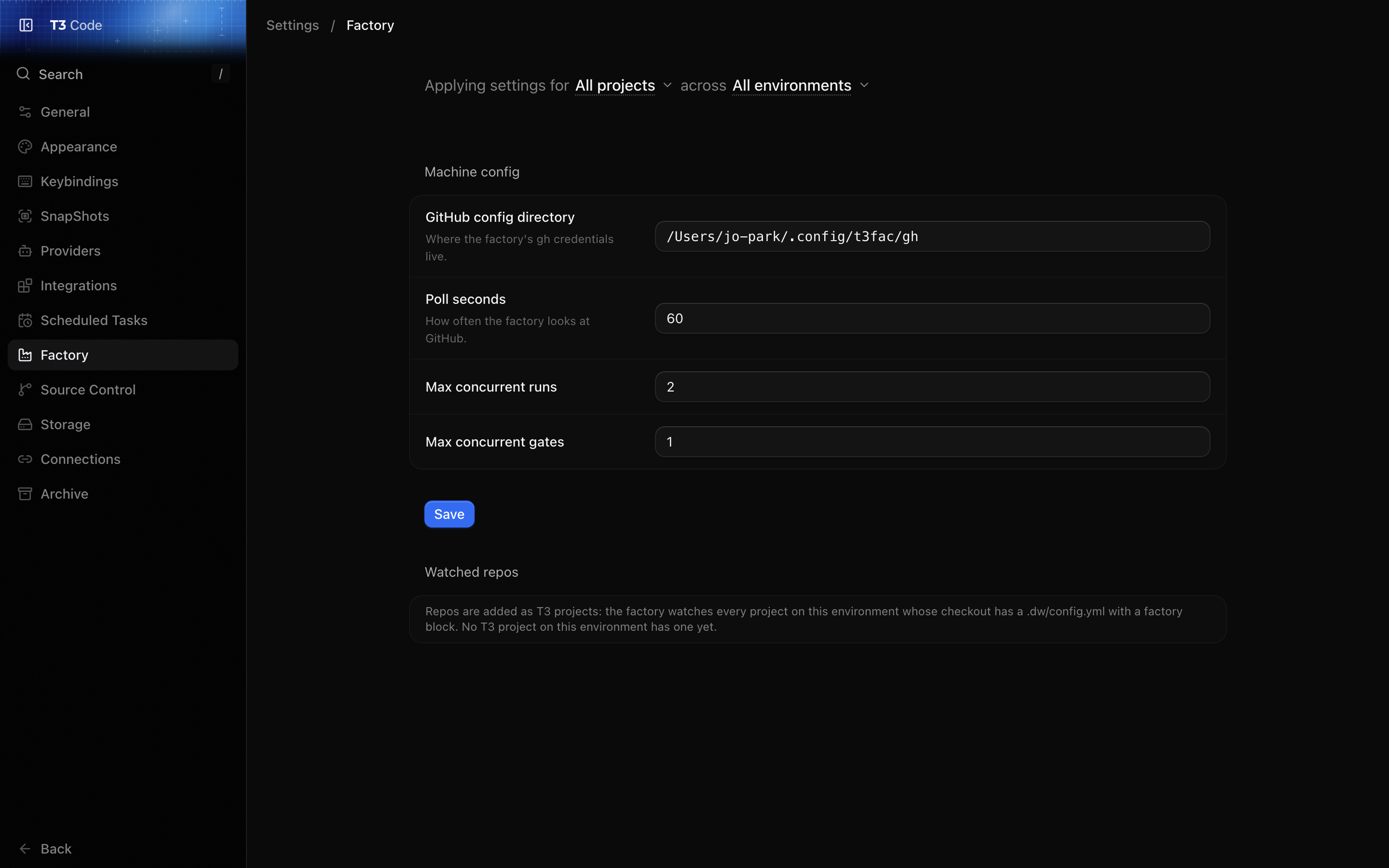
Use it to change the machine config and to check which repos are watched. The form edits the GitHub config directory, the poll interval and the run and gate limits, and saves to ~/.config/t3fac/factory/config.yml. Saving needs a session that may change settings.
Below the form, each watched repo is shown with its T3 project's folder and its factory block as the last pass read it from GitHub, including any errors that stop the factory using it. Repos the factory couldn't settle on its last read are listed separately with the reason. Add a repo explains what makes a repo watched.